stable diffusion이 재밌어보여서 한번 혼자 해보기로 결심..!
brew가 설치되어 있지 않다면
본인의 mac터미널에서
$ /bin/bash -c "$(curl -fsSL https://raw.githubusercontent.com/Homebrew/install/HEAD/install.sh)"
다음은 brew에서 명령어를 사용할 수 있도록 vi에디터를 통해 수정!
$ sudo vi ~/.zshrc
아래의 스크립트를 저장!
$ export PATH="$PATH:/opt/homebrew/bin"
설치후 버전정보 확인!
$ brew -v
패키지 설치!
$ brew install cmake protobuf rust python@3.10 git wget
디퓨전 소스 받기
$ git clone https://github.com/AUTOMATIC1111/stable-diffusion-webui
stable-diffusion-webui폴더로 이동 후 아래의 명령어를 실행
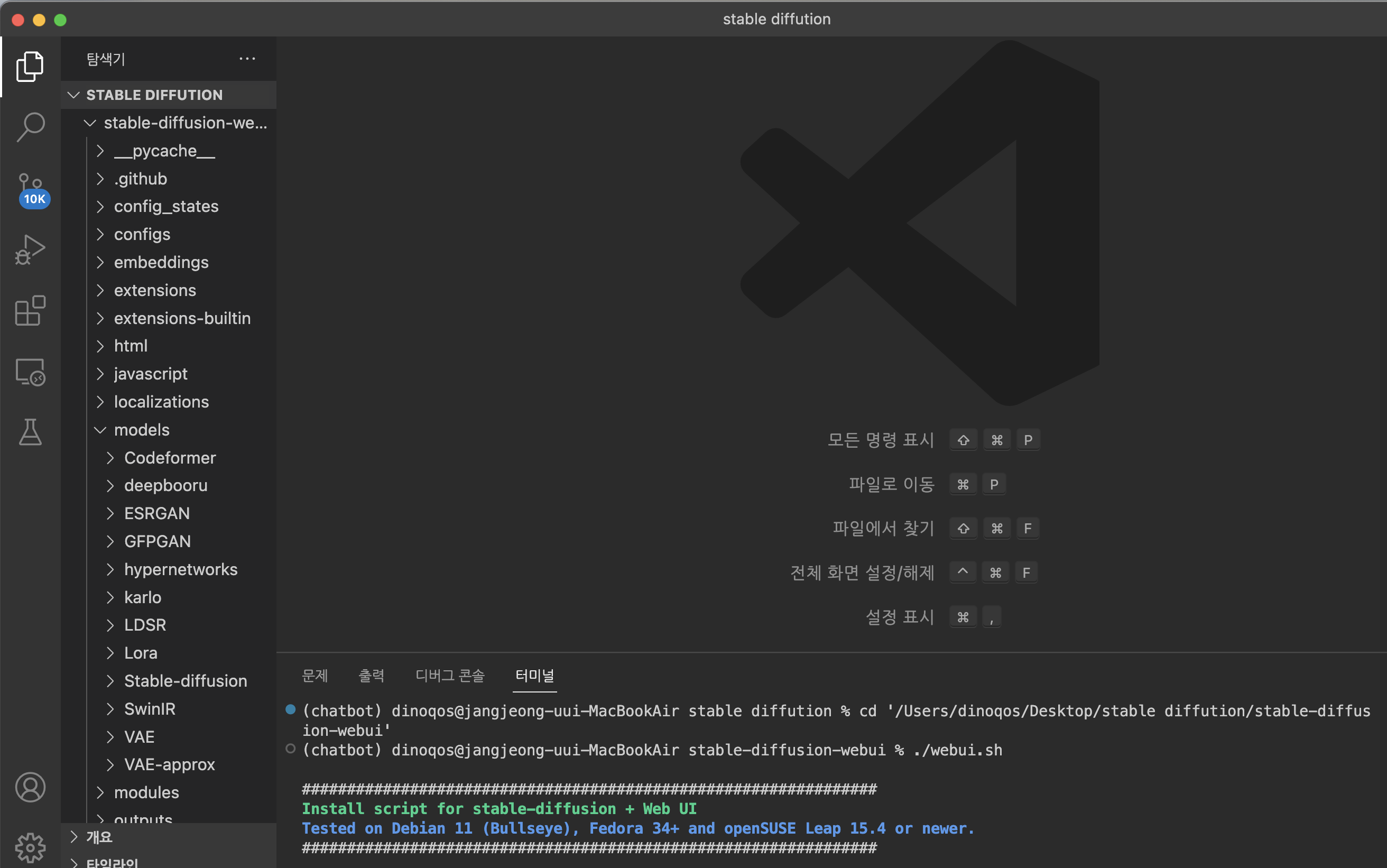
vs코드로 진행했고, chatbot은 그냥 제가 옛날에 쓰던 conda 환경입니다..! pip install했던 환경들이 잘 맞길래 ..ㅎ
$ cd stable-diffusion-webui
$ ./webui.sh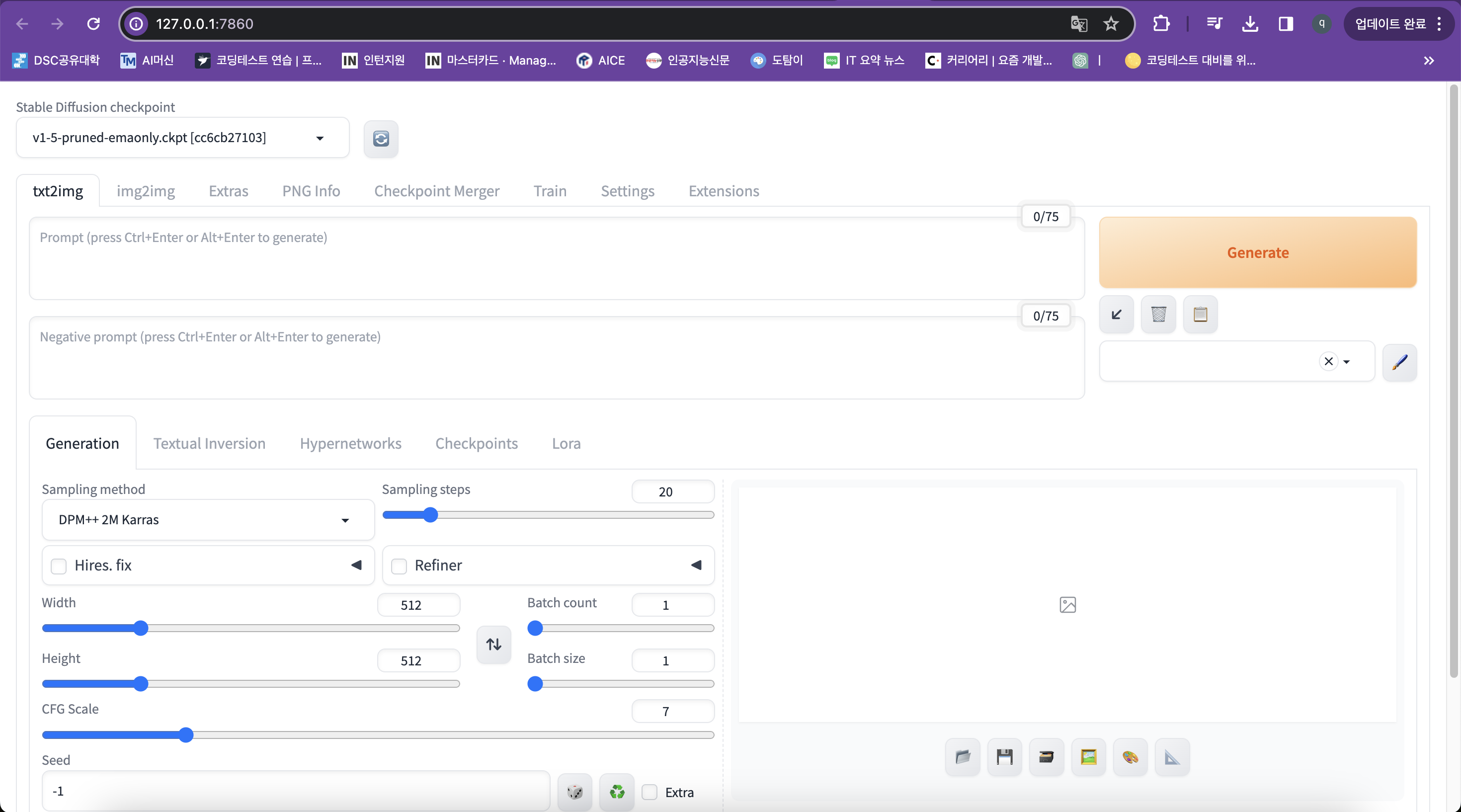
다음과 같은 로컬주소 서버가 완성!!
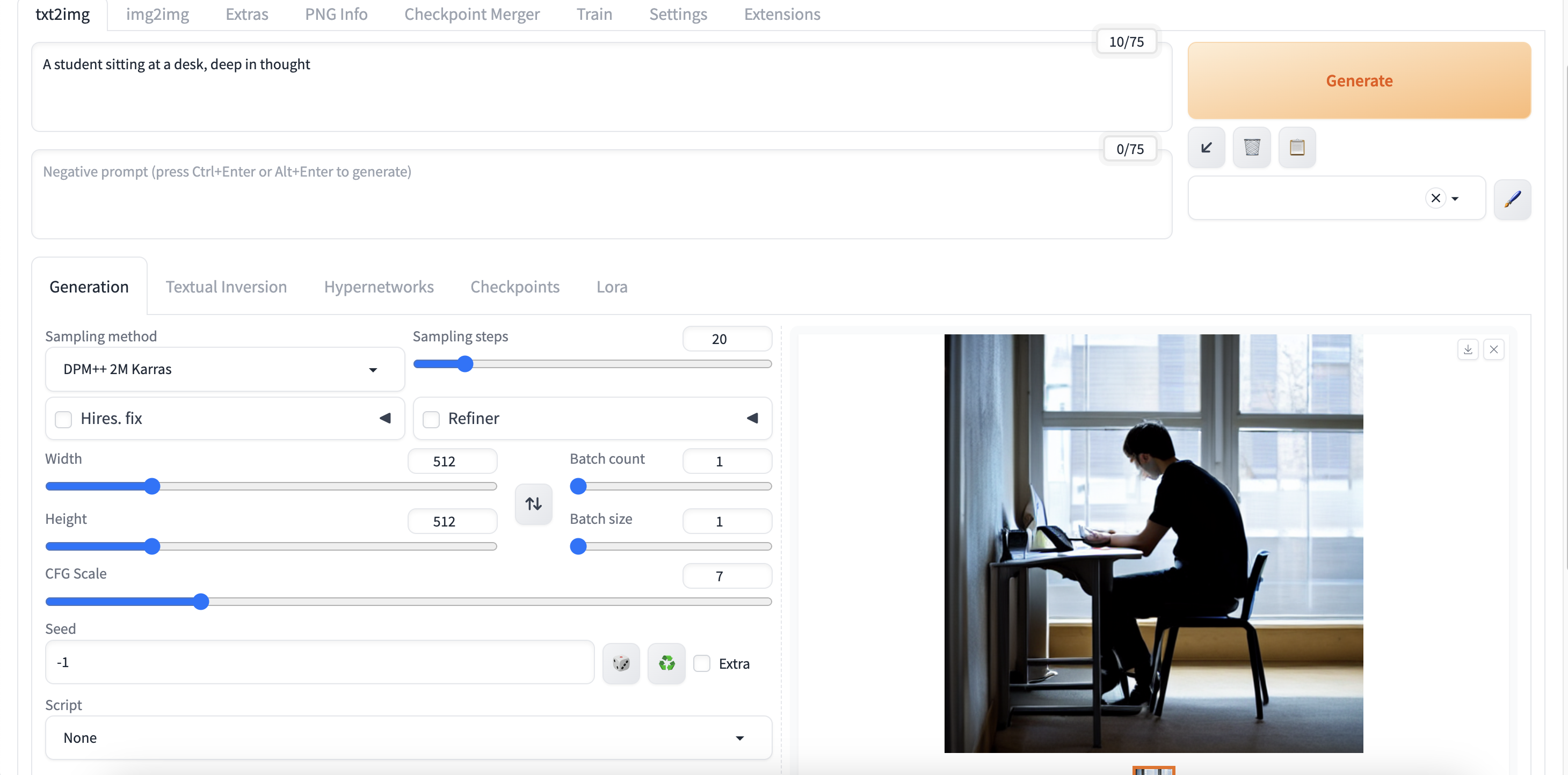
test를 하기 위해 prompt에 A student sitting at a desk, deep in thought 를 입력 후 Generate를 하면!
다음과 같이 이미지 생성 확인!!
추가적으로 프롬포트를 어떻게 사용해야하는지 쭉 공부해봅시다!